Sign documents from your code
Send a document for signature from Python
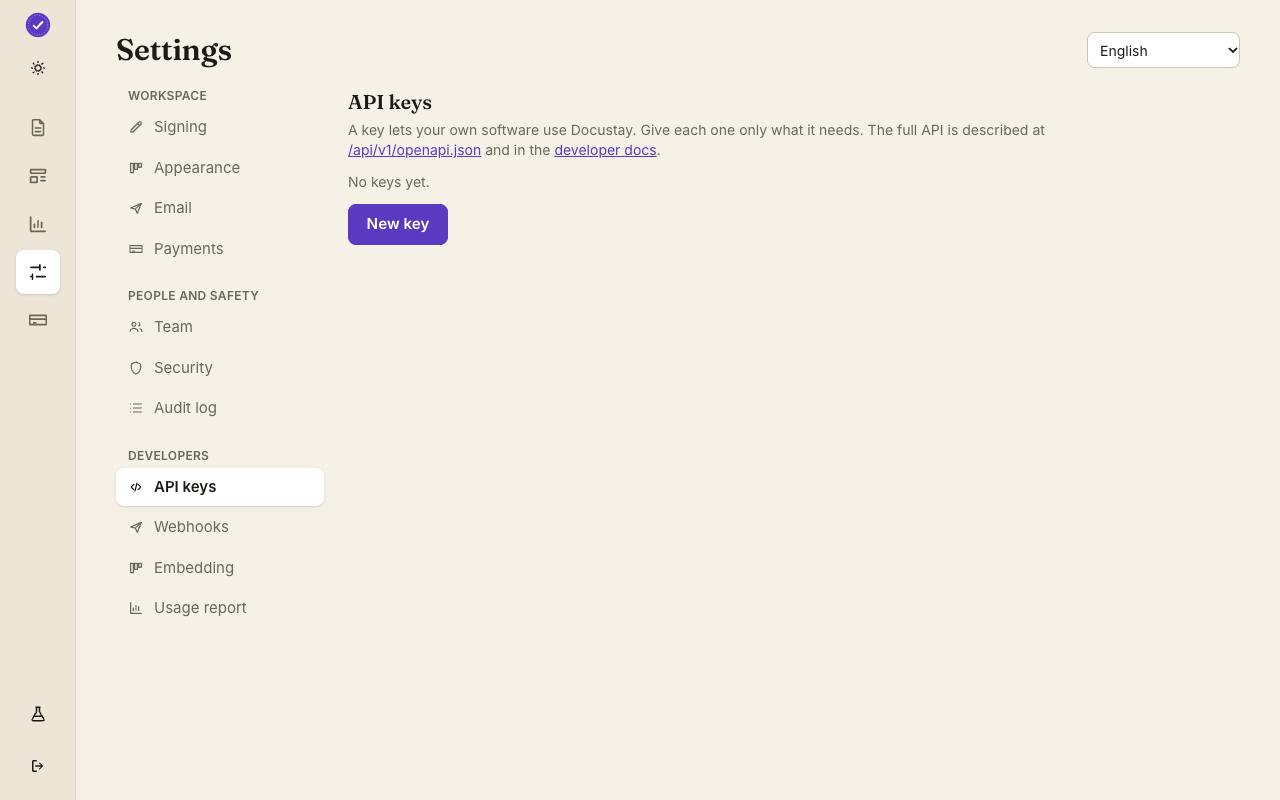
Make a test key, make a template, and run this. A test key sends nothing real and bills nothing.
Install
Add the Docustay SDK:
pip install docustayThe package has no dependencies and needs Python 3.9 or newer. Calls are synchronous and return plain dictionaries. Every POST gets an idempotency key made for it and reused on retries. Pass base_url only when you point at a self-hosted install.
Send
This sends the template to one person. It reads your key and template id from the environment, so the key never sits in the file.
send.py Then
The answer holds the document's id and its state. Ask for it later with the same key, or get a signed webhook when it is signed. The quick start shows the rest.
Other languages: JavaScript · TypeScript · Ruby · Java
Install into a virtual environment
Make a virtual environment, activate it, and install the docustay package with pip. It supports Python 3.9 and later and depends only on the standard library plus one HTTP client. Put the key and the template id in environment variables before you run the script; os.environ raises a KeyError if one is missing, which is a clear way to find out.
What a call returns
The client returns plain dictionaries, so the document you get back is something you can print, log or store as JSON. Errors raise an exception that carries the HTTP status, the error kind and the request id. A repeated send with the same idempotency key returns the original document, which lets a worker retry after a timeout without worrying.
Verifying webhooks
In a Flask or Django view, read the raw request body before any JSON parsing, then call verify_webhook with the secret, the three headers and the body. It raises if the signature, the body or the timestamp is wrong. Only after that do you look at the event, and a documents.document.executed event is your cue to fetch the signed PDF.
Questions people ask
Does a test key send real email?
No. A test key emails only you, stamps the document TEST and is never counted against your plan.
Does it work with asyncio?
The client is synchronous. In an async program run it in a thread with asyncio.to_thread, or call the API with httpx; both work.
Where do I see the result?
In Documents in the app, and in the API log under Developers.
Keep reading
Make a test key and try it
Create a workspace, upload a document and send it. No card needed.