Use case
Get a non-disclosure agreement signed before a conversation
How ndas work with Docustay.
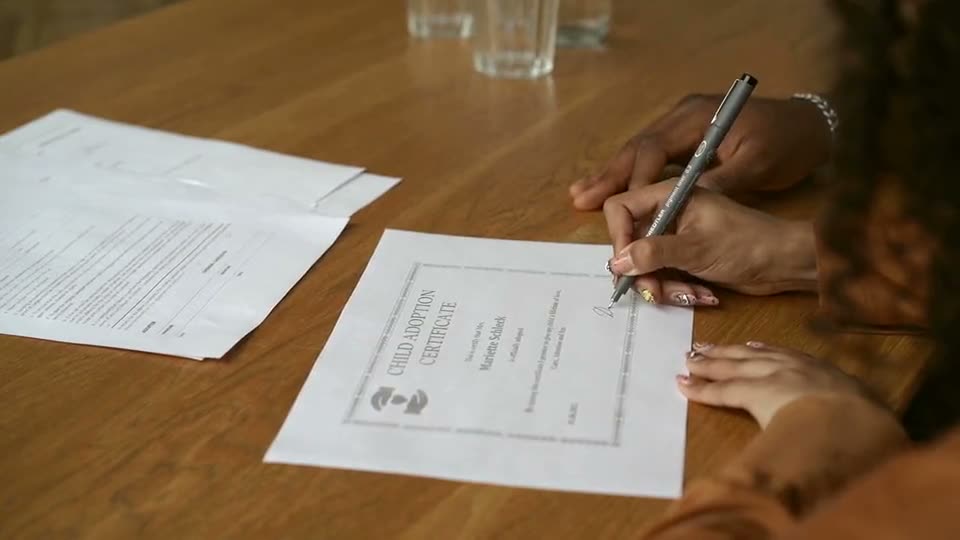
The old way
- Email a Word file back and forth
- No record of who agreed to what text
- Versions in three inboxes
With Docustay
- Send from a template in a minute
- The wording each person saw is stored
- One signed copy for both sides
Start from a template
Three tips
- 1
Keep a template per type of NDA.
- 2
Send to both parties, order does not matter.
- 3
Void and resend if the text changes.
What to watch for
An NDA only helps if it says what you need it to say. The template is a starting point, not a substitute for reading it.
This is general information about how signing works, not legal advice. Rules differ by place and by document; if a document matters a great deal, ask someone qualified where you are.
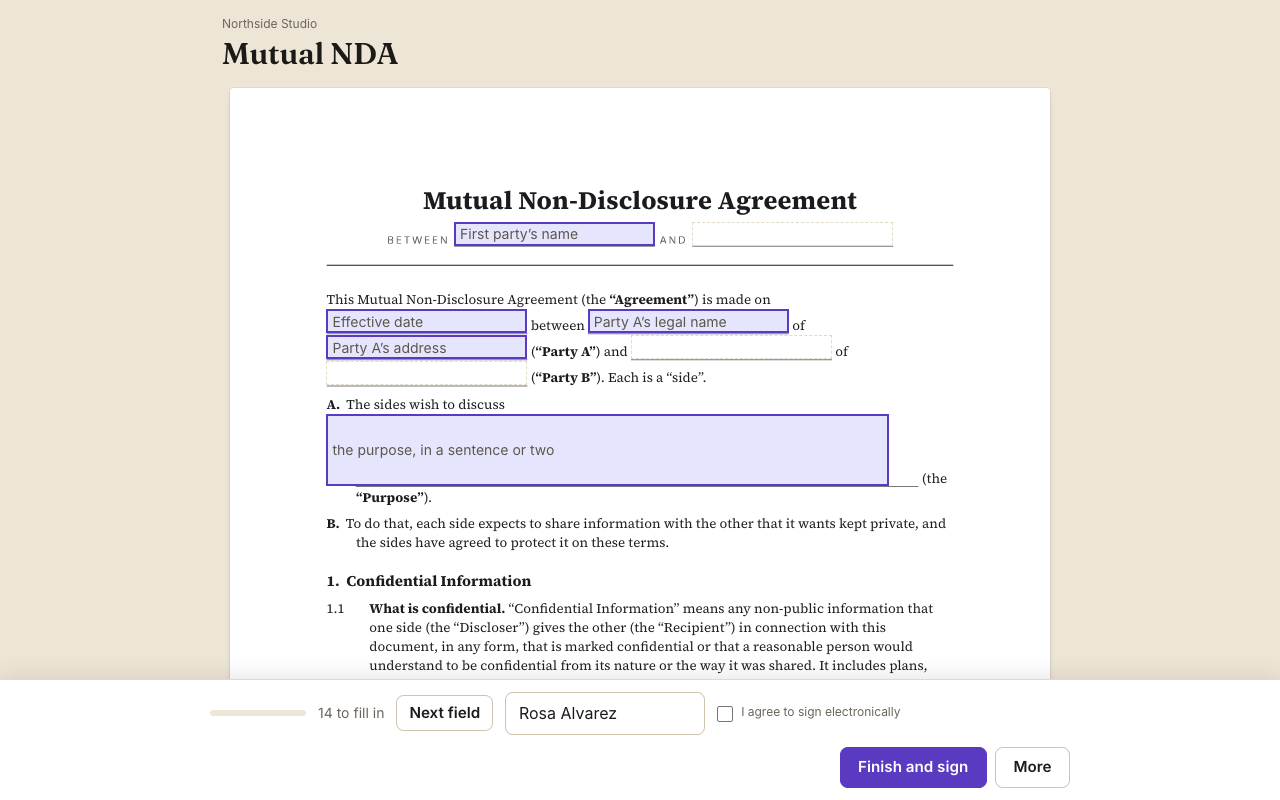
A worked example
Two founders want to talk about a possible partnership. One opens the Mutual NDA template, types the other company's name and the purpose of the conversation, and sends it. The other founder signs in a minute from her phone. Both now hold one sealed copy showing the exact wording each agreed to and when. The talk starts that afternoon instead of next week.
What to set up once
Keep one NDA template with your standard terms. Put the parties, the purpose and the term in fields. If you send NDAs often, add the template to your API flow so a deal in your CRM creates the document automatically.
When only one side shares
If only one party is sharing secrets, edit the mutual template so only that side is bound, or write your own one-way wording in the editor and keep it as a template.
What to check before sending
Make sure each party has its own signature seat, that the effective date is a field and not typed text, and that the clause that names the term is in the document body, not only in an email. A short test send to yourself shows what each signer will see.
Questions people ask
Is the wording legal advice?
No. The templates are starting points, not legal advice; change them to suit you.
Can I send an NDA before someone has an account anywhere?
Yes. Signers never need an account.
Can I see who has not signed yet?
Yes, each document shows each person's status and when they opened it.
Keep reading
Send your first one
Create a workspace, upload a document and send it. No card needed.