USE CASES · WAIVERS
Waivers and consent forms
Share one link before an event or a visit. Each person signs on their own phone and you have a record for every one.
Free plan · No account for the signer · 14 languages
Start from a real one
Flip through the pages first.
Each card is the real document: its pages, its fields, its wording.
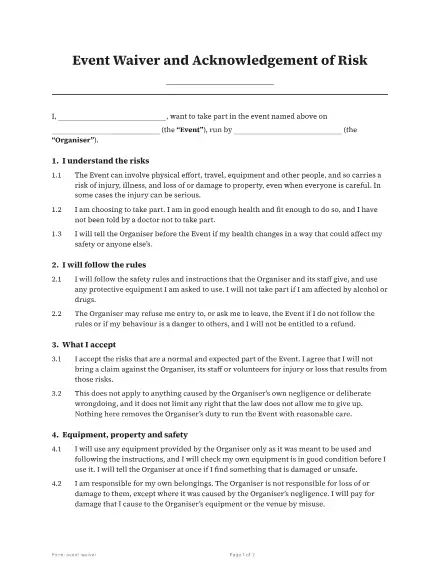
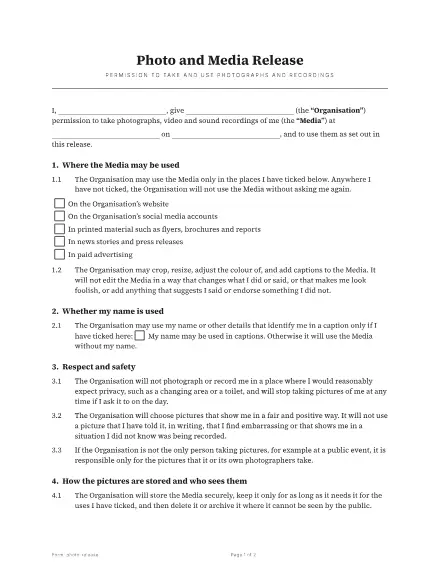
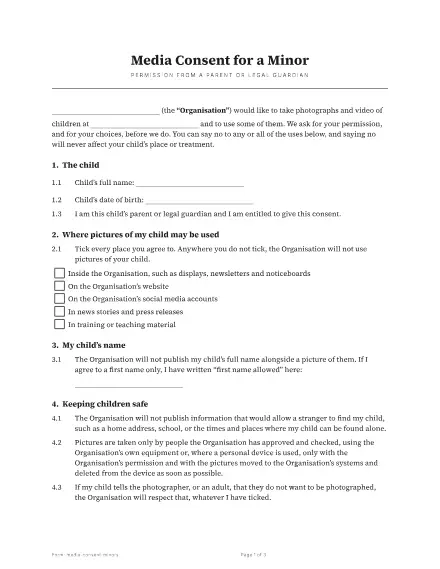
What you will send
Five forms people collect most.
Liability waiver
Risk and responsibility, signed before an activity.
Photo and media release
Permission to use pictures, recordings and names.
Permission slip and medical consent
A parent or guardian agrees; care is authorised.
How it goes
Three steps from file to signed copy.
For example, a climbing gym shares one waiver link at the front desk, each guest signs on their own phone, and the gym can find any signed waiver by name.
1 / 3
Pick it
Choose the template and name who signs.
2 / 3
Send it
Each person gets a link. They sign on any device with no account.
3 / 3
Keep it
Everyone is emailed the sealed PDF, and you keep it with its certificate.
What you keep
A copy you can stand behind.
Sealed copy
One PDF with every signature, sealed so a later change shows.
Certificate
Who signed, when and from where, on the last page.
Audit log
Each step in order, exportable as a CSV.
Questions
Quick answers.
Do people need an account?
No. They open the link and sign.
Can one link serve a whole group?
Yes. A link form gives each person their own signed copy.
Where do the signed forms go?
Into your document list and People list, each with its certificate.